BE TINY AND ROB GRANDPA Controls Guide
Master grab-and-drag stealth inputs on PC and mobile.
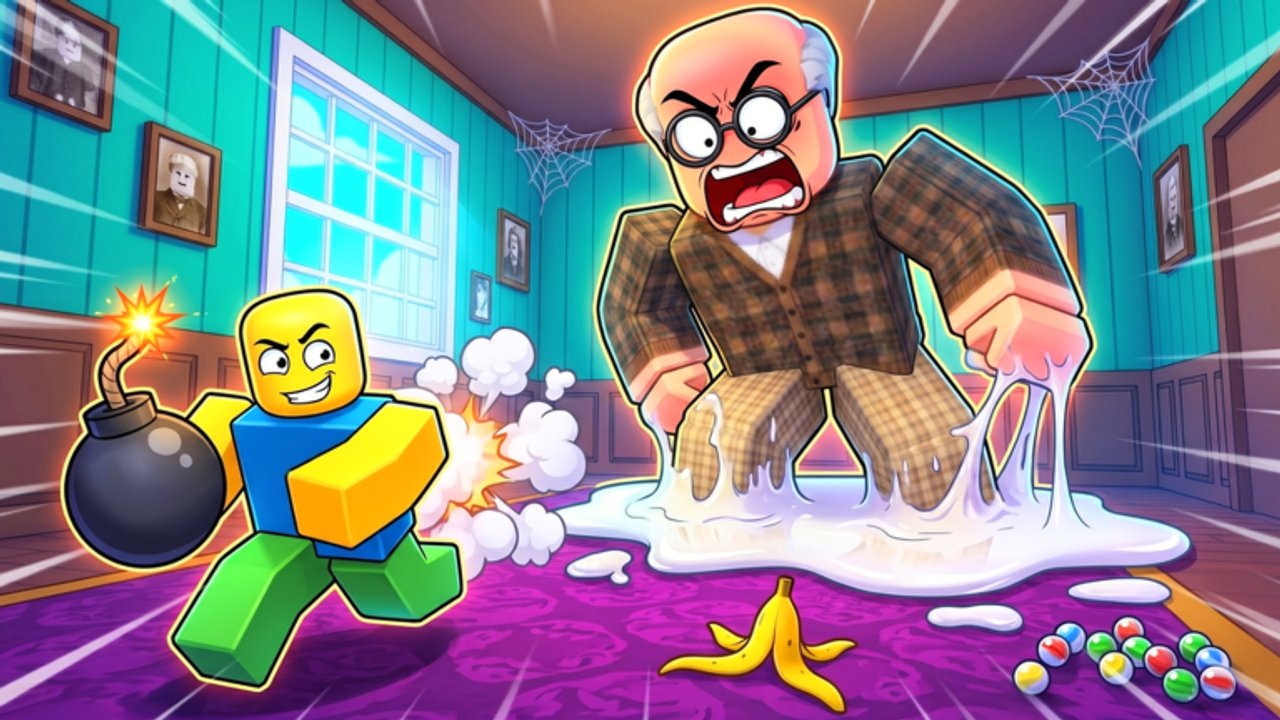
If your heists die at the window, the problem is usually controls, not courage. BE TINY AND ROB GRANDPA leans on grab-and-drag interactions more than shooting. This Controls guide maps the inputs that matter, then points you back to Getting Started and stealth tips.
Core PC controls
| Action | Typical input | Notes |
|---|---|---|
| Move | WASD | Tiny hitbox, big hands — watch shoulders near shelves |
| Camera | Mouse | Keep Grandpa’s chair in peripheral vision |
| Sprint | Shift | Loud if used beside him; great for exterior dashes |
| Jump | Space | Needed for window ledge and trap hops |
| Grab / interact | Click or E (context) | Hold to grip gates, windows, and loot |
| Drag | Move mouse while holding grab | Direction matters for gates and glass |
| Toss loot | Aim outside + release | Banks cash toward the $1,000 goal |
| Crouch / hide | Ctrl or prompted key | Get under furniture when he enters |
Exact keybinds can vary with Roblox device settings. If a prompt appears on-screen, trust the prompt over memory.
Mobile controls
On touch devices:
- Use the virtual joystick for movement
- Hold the on-screen grab button while dragging the window slider
- Pinch/drag camera carefully before opening squeaky doors
- Sprint toggles are easy to leave on — check before entering Grandpa’s room
Mobile players should practice the gate tutorial twice before attempting key rooms.
Grab-and-drag deep dive
Gates
Aim at the interactive surface, hold grab, and pull along the opening axis. Short jerky pulls can leave it half-closed and waste time when you flee later.
Windows
The highlighted entry window wants a deliberate slide. Dragging the wrong way feels stuck — reverse direction instead of spamming jump. Once inside, reorient the camera before touching loot.
Loot props
Grip → lift with clearance → walk carefully → aim through an open exterior → release. Bumping a vase mid-carry is the classic wipe. If a prop feels heavy and wide (umbrella), take wider turns.
Sprint discipline
Shift is not free. Use sprint for:
- Crossing the yard after a toss
- Rotating to a hide spot when Grandpa aggroes
- Rotating between distant key doors after he passes
Avoid sprinting beside sleeping Grandpa or through rooms packed with knockable junk.
Camera habits that win runs
- Peek doorframes before fully entering
- After every toss, glance toward Grandpa’s last known room
- When carrying S-tier gold, keep the exit path on-screen
Combine camera discipline with the tier list so you never lose a gold bar to a blind corner trap.
Co-op control agreements
Agree on:
- Who opens squeaky doors
- Who is allowed to sprint indoors
- Who handles exterior tosses
Desynced teammates grabbing the same umbrella look funny in YouTube videos and terrible on the scoreboard.
Accessibility / comfort tips
- Lower camera sensitivity if drag motions overshoot
- Increase graphics enough to see trap outlines
- Mute music slightly so you hear Grandpa footsteps (SFX matter)
Practice routine (10 minutes)
- Open and close the front gate five times smoothly
- Enter the window without jumping spam
- Carry one A-tier item outside without bumps
- Hide under furniture on a timer while a friend walks past as “Grandpa”
Then attempt a live run using how to escape.
Related systems
Controls unlock everything else: keys in items & valuables, silent pathing in stealth tips, and executor discussions in scripts (not required). Keep updates bookmarked if plastic chair remaps prompts.
Watch the embedded gameplay clip for visual timing on grabs and tosses, then jump back in-game while the muscle memory is fresh.
Frequently Asked Questions
Quick answers for quieter, richer heists.
How do I throw loot outside?
Grab the item, aim toward the garden or exterior, and release so it leaves the house and adds cash.
Why can’t I open the window?
You may be dragging the wrong direction. Hold grab and slide the opposite way while standing on the ledge.
Does sprinting make noise?
Fast movement near Grandpa is risky. Sprint in open exterior spaces or when he is far away.
Are mobile controls supported?
Yes. Use on-screen grab and drag carefully; practice the tutorial gate before hard rooms.